Contacts
Keep a backup of your contacts ready to restore when you need it.
Back up your contacts, messages, call logs, calendar, apps, and media to Google Drive, local storage, or your SD card — all in one simple Android app.
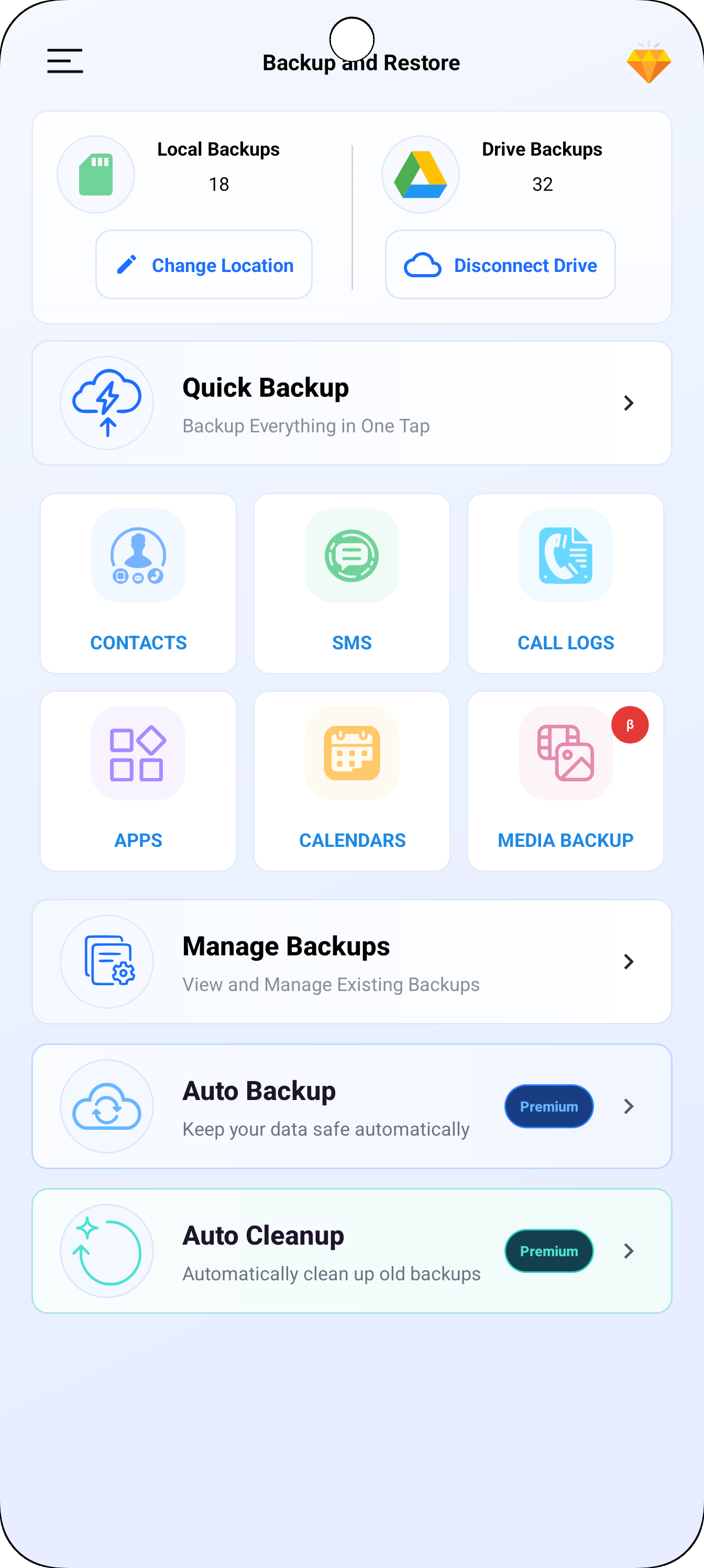
Select the data you want to back up, then choose where you would like to keep it.
Keep a backup of your contacts ready to restore when you need it.
Back up and restore your text messages from a supported backup.
Save your call history alongside the other data you choose.
Back up calendar data and restore it from supported backups.
Save APK files for your apps. Application data is not included.
Back up photos, videos, documents, audio, APKs, and archive files.
Keep the files that matter together. Media backup supports photos, documents, audio files, APK files, and ZIP or RAR archives while preserving the original folder structure.
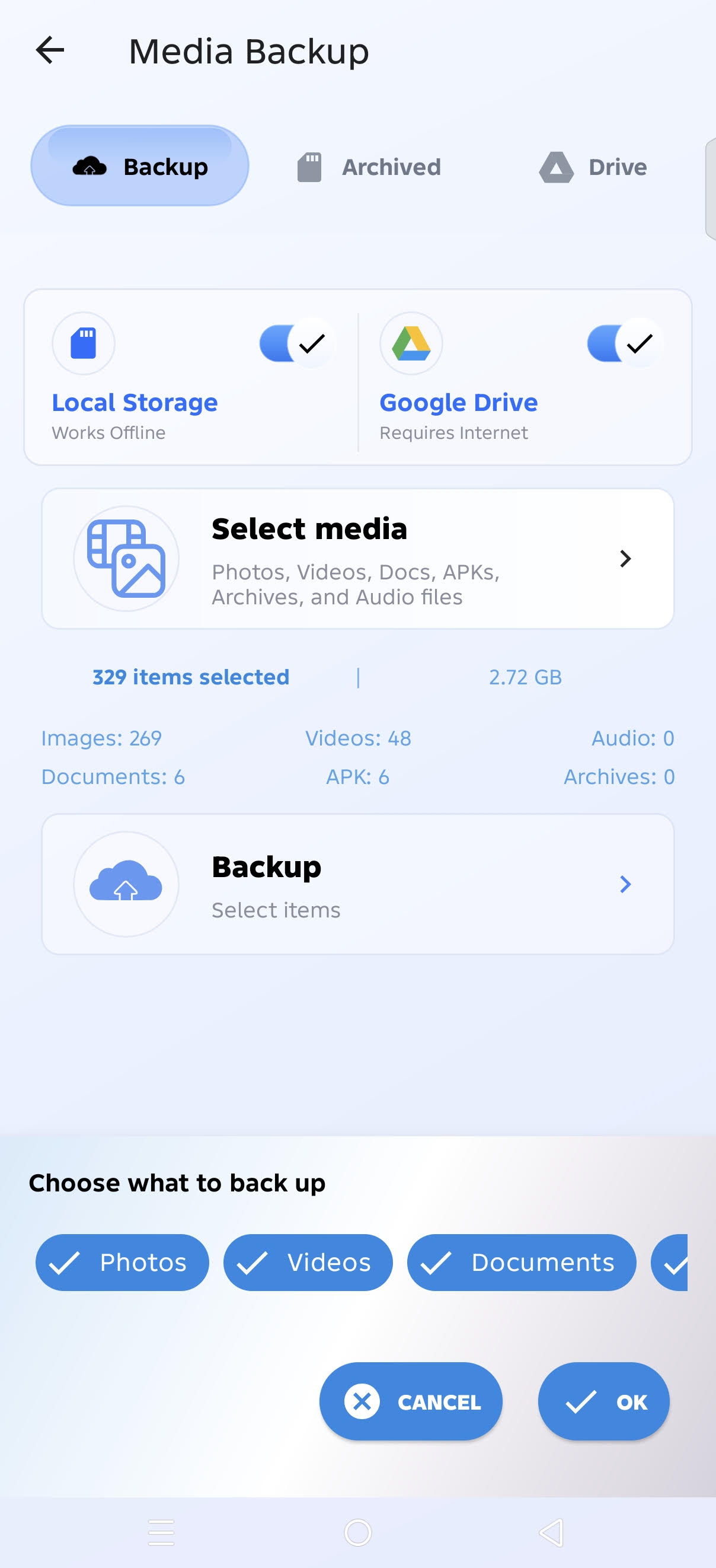
You decide where your backup is stored, whether that is cloud storage, your device, or removable storage.
Store supported backups in the Google Drive account you choose.
Keep backups directly on your Android device for convenient access.
Save and restore supported backups from an SD card when available.
Choose your data, choose your destination, and create a backup whenever it suits you.
Select contacts, messages, call logs, calendar, apps, or media.
Select Google Drive, local storage, or an SD card.
Create a backup or restore your supported data when needed.
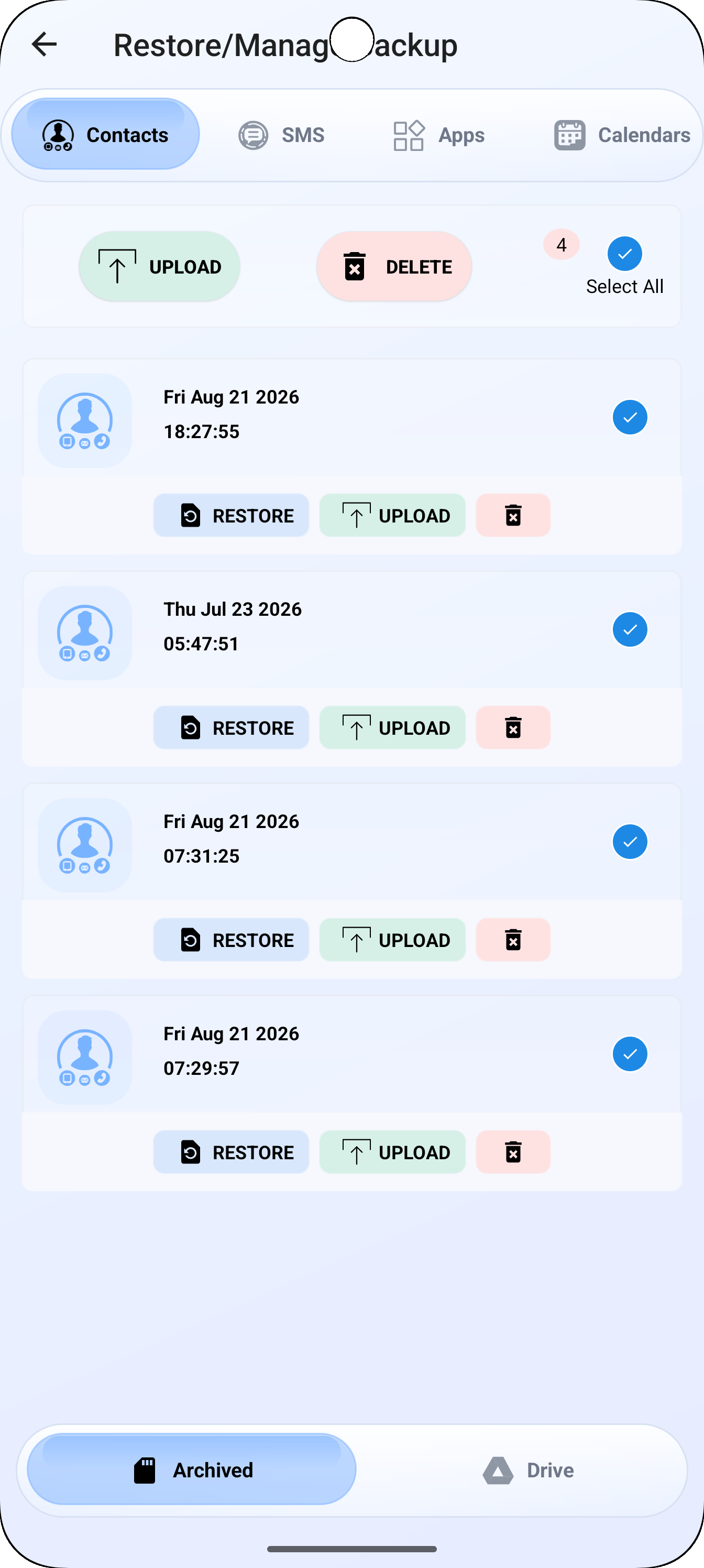
Restore supported backups from local storage, an SD card, or Google Drive. The Manage Backups area also gives you a clear place to upload, download, restore, or delete your backups.
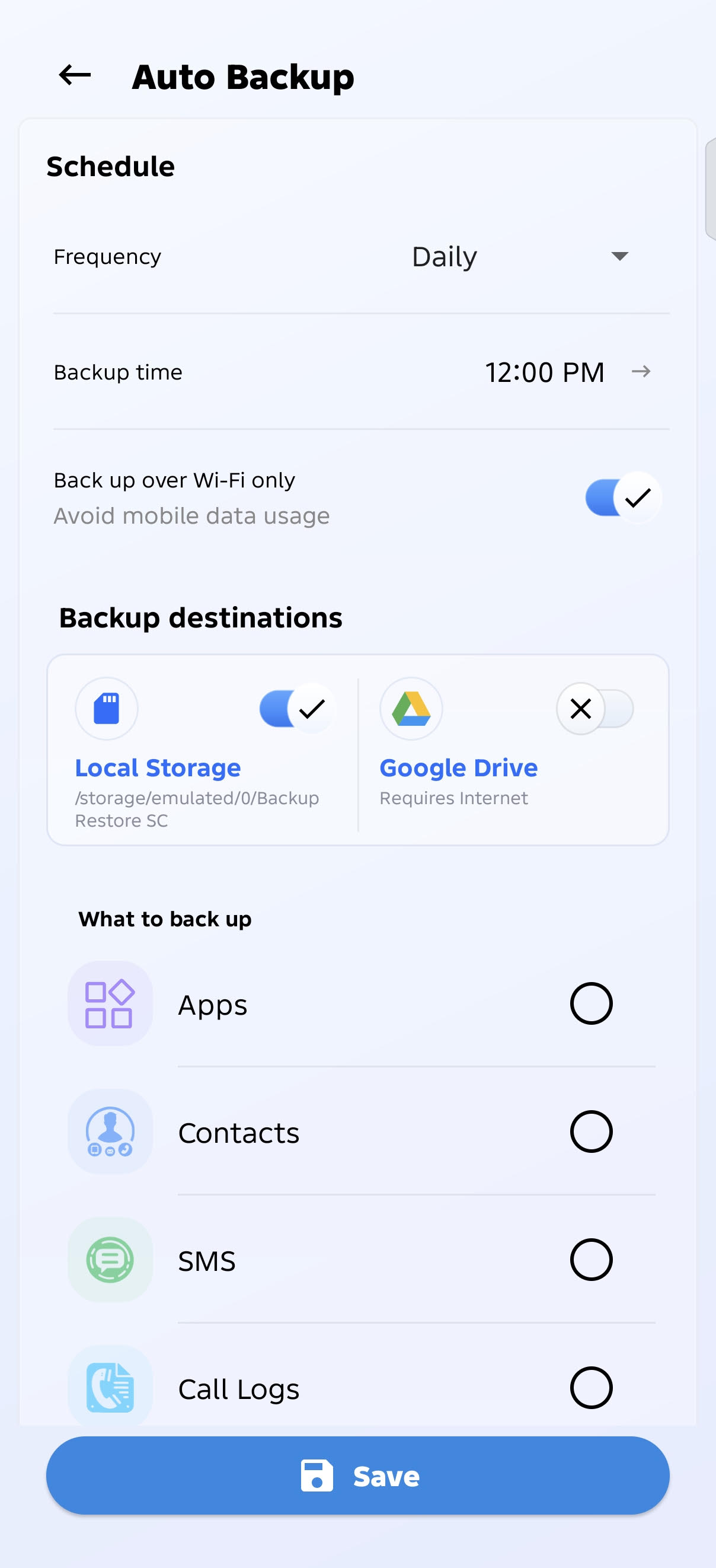
Set up automatic backup scheduling with daily, weekly, or custom schedules, so your selected data can be backed up on a schedule that works for you.
You choose where your backups are stored, including your own Google Drive, local storage, or SD card.
You can back up contacts, SMS, call logs, calendar data, APK files, and supported media files.
You can choose Google Drive, local device storage, or an SD card where available.
Yes. Supported media backup includes photos, documents, audio files, APK files, and ZIP or RAR archives, while preserving the original folder structure.
No. The app backs up APK files only and does not back up application data.
Yes. You can restore supported backups from Google Drive, local storage, or an SD card.
The app supports automatic backup scheduling, including daily, weekly, or custom schedules.
Keep your important Android data organized and accessible with flexible backup and restore options.
Get Backup and Restore All